10:13 AM Wine Cooler Repair: Common Problems and Fixes | |
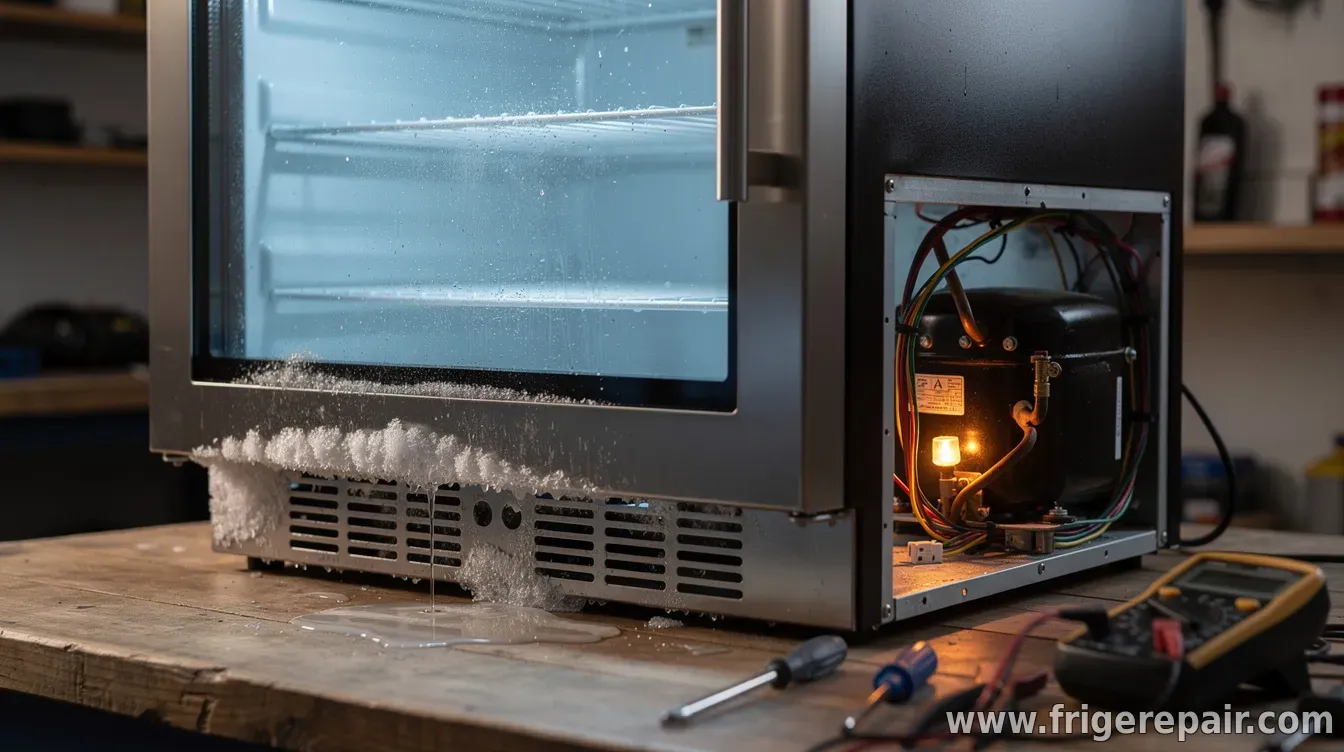 Wine coolers are designed to keep temperatures stable for months—so when something goes wrong, the impact can be immediate. While some fixes are simple (like cleaning vents), others require careful troubleshooting to avoid damaging the compressor or refrigeration system. This guide highlights the most common wine cooler repair problems, what typically causes them, and when it’s time to involve a professional. No cooling or not cooling enoughIf the unit runs but the interior temperature doesn’t drop, the issue may be with power delivery or the cooling control system. Start by confirming the outlet works and the unit is receiving proper voltage. Many models also have temperature-control sensors or thermostats that can fail, leading to weak cooling performance. Another frequent culprit is restricted airflow. If the cooler’s vents are blocked by stored items or dust buildup, the compressor may run constantly without achieving the setpoint. Temperature swings or inconsistent temperaturesUnstable temperatures often point to sensor problems, airflow restrictions, or control-board issues. Check whether the fan is operating and whether air paths are clear. Overloading the cooler—especially with warm bottles right after restocking—can also contribute to short-term swings as the unit tries to catch up. If the cooler frequently overshoots and undershoots the target temperature even after airflow checks, the temperature sensor (or related control) may need diagnosis. Freezing up (ice buildup inside)Ice formation is commonly linked to poor air circulation or defrost-system faults. When airflow is blocked or the evaporator area doesn’t regulate defrost properly, moisture can freeze and eventually reduce cooling efficiency. Look for signs of restricted vents, heavy frost around airflow areas, or fan irregularities. Avoid chipping ice—unplug the unit and let it thaw fully before assessing what’s obstructing airflow or triggering defrost problems. Strange noises (buzzing, clicking, rattling)Some noises are normal, such as brief clicks when the compressor starts. However, persistent buzzing, rattling, or loud vibration can indicate loose components, a failing fan, or debris interfering with moving parts. If the noise begins after the cooler has been moved or recently installed, check for leveling and clearance around the unit. Uneven placement can cause vibrations that sound like mechanical failure. Water leaks or moisture poolingLeaks are often related to condensation and drainage. Depending on the model, meltwater should route through a drain system to an evaporation tray. If the drain line is clogged—sometimes from dust, residue, or mineral buildup—water may accumulate inside or drip near the bottom. Inspect and clear the drain area according to the manufacturer’s guidance. Also ensure the cooler is level, since slight tilting can prevent proper drainage. Electrical issues and error codesIf the wine cooler won’t start, trips a breaker, or displays an error code, the problem may involve the control board, start relay, or wiring. Reset attempts should be limited—frequent cycling can worsen underlying electrical faults. Because refrigeration components and electronics can be hazardous, error-code troubleshooting should follow the manual. If you’re unsure, a qualified technician can test components safely and accurately. When to DIY and when to call a technicianDIY checks are typically appropriate for airflow obstructions, dirty vents, incorrect leveling, and basic power verification. However, repairs involving sealed refrigeration systems—such as compressor or refrigerant-related issues—are best left to professionals due to safety and specialized service requirements. If the cooler shows repeated cooling failure, major ice buildup that returns quickly, persistent leaks, or electrical faults beyond a simple reset, it’s usually more cost-effective to get an expert diagnosis early. For best results, consult your wine cooler’s manual and document symptoms (temperature readings, onset timing, error codes, and whether the fan/compressor runs). That information speeds troubleshooting and helps prevent unnecessary parts replacements. | |
|
| |
Next & Previous posts
Related articles: