
9:46 AM Washing Machine Won’t Spin: Troubleshooting Guide | |
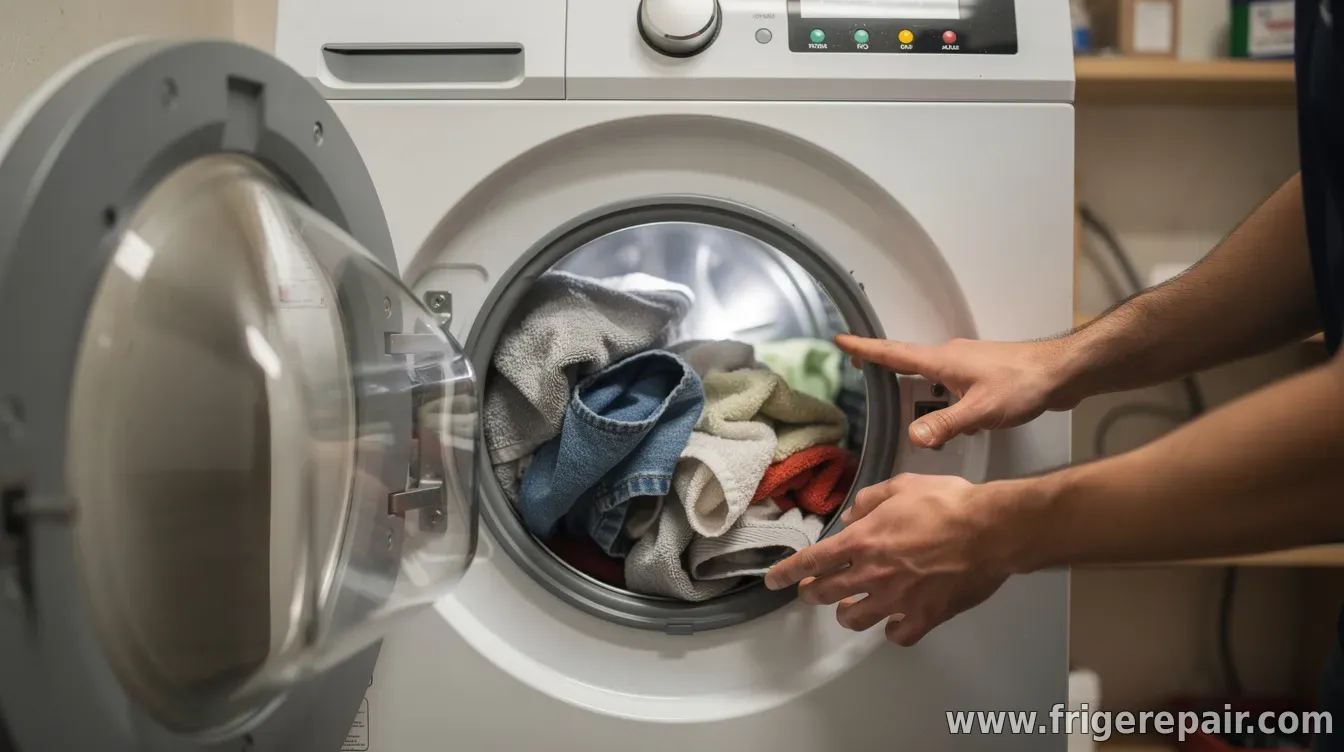 A washing machine that won’t spin usually stops at the end of the wash cycle because it detects a safety condition (like an open lid), a mechanical problem, or something preventing proper spin speed. The good news: many causes are fixable with basic checks before you call for service. 1) Confirm what “won’t spin” meansFirst, note whether the washer never attempts to spin, or it tries but stops and drains. Also check if the cycle ends with water in the drum (a drainage issue) or if the load is excessively wet (a spin-speed or balance issue). 2) Check the lid/door safety and pause conditionsMost washers will refuse to spin if the lid or door switch doesn’t register correctly. Make sure the door is fully latched, remove any items that may be preventing closure, and inspect the switch area for damage or debris. If your model uses an indicator light or error code, write it down—codes can directly point to the cause. If the machine has a “pause” or “soak” behavior, verify you’re not inadvertently leaving it in a non-spinning state (for example, some cycles add hold times). Restart the cycle after confirming the door is locked. 3) Eliminate drainage problemsSpin cycles require effective water removal. If the washer can’t drain, it often won’t spin at all. Check the drain hose for kinks, make sure the drain height isn’t too high, and confirm the standpipe/drain isn’t clogged. Listen for the drain pump attempting to run during the final stages; if it’s silent, the pump or its wiring may be the issue. Also inspect the washer’s drain filter (if your model has one). Blocked filters can prevent proper water flow and lead to repeated “no spin” symptoms. Quick test: If your washer won’t drain, resolve drainage first—most “no spin” cases trace back to water still being present or not removed fast enough. 4) Fix unbalanced loads and excessive wetnessAn unbalanced load can trigger a safety response that prevents high-speed spinning. Try smaller loads, avoid washing one large item by itself (like a single blanket), and ensure items are distributed evenly. If the machine has an automatic “re-balance” routine, let it complete; interrupting mid-cycle can stop the outcome from reaching spin. For heavily saturated items (towels, jeans, comforters), consider adding appropriate detergent and running a normal cycle with correct load size so the washer can extract water properly. 5) Inspect for mechanical bindingSometimes the tub or drum can’t rotate freely. Unplug the washer, then gently try to rotate the drum by hand (if accessible and safe for your model). Look for obstructions such as loose coins, small clothing items, or debris stuck near the tub rim or drain area. If you notice grinding, scraping, or significant resistance, stop and avoid forcing the mechanism—worn bearings, damaged couplers, or drive belt issues may be involved. 6) Consider common wear-and-failure partsIf the washer drains normally and the door/lid is functioning, the remaining likely culprits include the drive belt (on belt-driven models), a failing motor coupling, or issues with the pump or control board. Evidence matters: belt problems may show up as a slipping or non-turning drum, while pump problems often correlate with “water left in the drum” at the end. If your washer shows an error code or repeated failure under the same conditions, that’s a strong hint toward a specific part. When in doubt, consult your model’s service manual for the correct diagnostic steps. Next step: If basic drainage, load balance, and lid/door checks don’t restore spinning—or if you hear unusual noises—professional repair is the safest route. Provide the service technician with the symptom (water present or not), any error codes, and what tests you’ve already performed. | |
|
| |
Next & Previous posts